Why I moved ALL my courses to Systeme.io
From the Tech-Simplified Desk of Rucheli:
Welcome back to Systeme.io Sundays, except… it’s Monday…. oops! I was super busy yesterday getting ready for a 30-person holiday meal I’m hosting this week, but I didn’t want you to miss out on my weekly tech love letter to all you brilliant coaches and course creators who'd rather be changing lives than fiddling with tech settings, so Monday it is!
I'm kicking off a brand new mini-series today all about course creation and delivery inside Systeme.io — because if there's one thing I've learned in my decade as a software engineer and 6+ years running my own online businesses, it's that course creation doesn't have to be the tech nightmare many make it out to be.
🔍 TLDR for today's issue:
Why hosting your course on Systeme.io beats other platforms (spoiler: it's about simplicity AND savings)
A deep dive into the actual course settings in Systeme.io (the ones you might be overlooking!)
My "less is more" approach to course tech (that actually gets better results)
Let's dive in!
🚀 Tech Truth Bomb: The Great Course Platform Debate
Last week, I was helping a client transfer her course from a "fancy" platform to Systeme.io. As we were wrapping up, she sighed and said, "I wish someone had told me about this sooner. I spent six months fighting with that other platform and it costs 5 times as much."
SIX MONTHS. Half a year of her life battling tech instead of serving her students.
This got me thinking about all the course platforms I've used over the years. Before finding Systeme.io, I was the queen of "platform hopping" – constantly searching for the perfect solution.
I had my course content scattered like a toddler's toys across:
One platform for the core course videos
Another for downloadable worksheets
A third for community discussions
And yet another for quizzes and assessments
It was like trying to teach a class while constantly running between different buildings to grab your materials. Exhausting for me AND confusing for my students.
Here's the truth that nobody in the course creation space wants to admit: your students don't care about fancy features. They care about RESULTS.
And you know what prevents results? Making students navigate a tech labyrinth just to access your brilliant content.
Here's why hosting your course on Systeme.io changed everything for me.
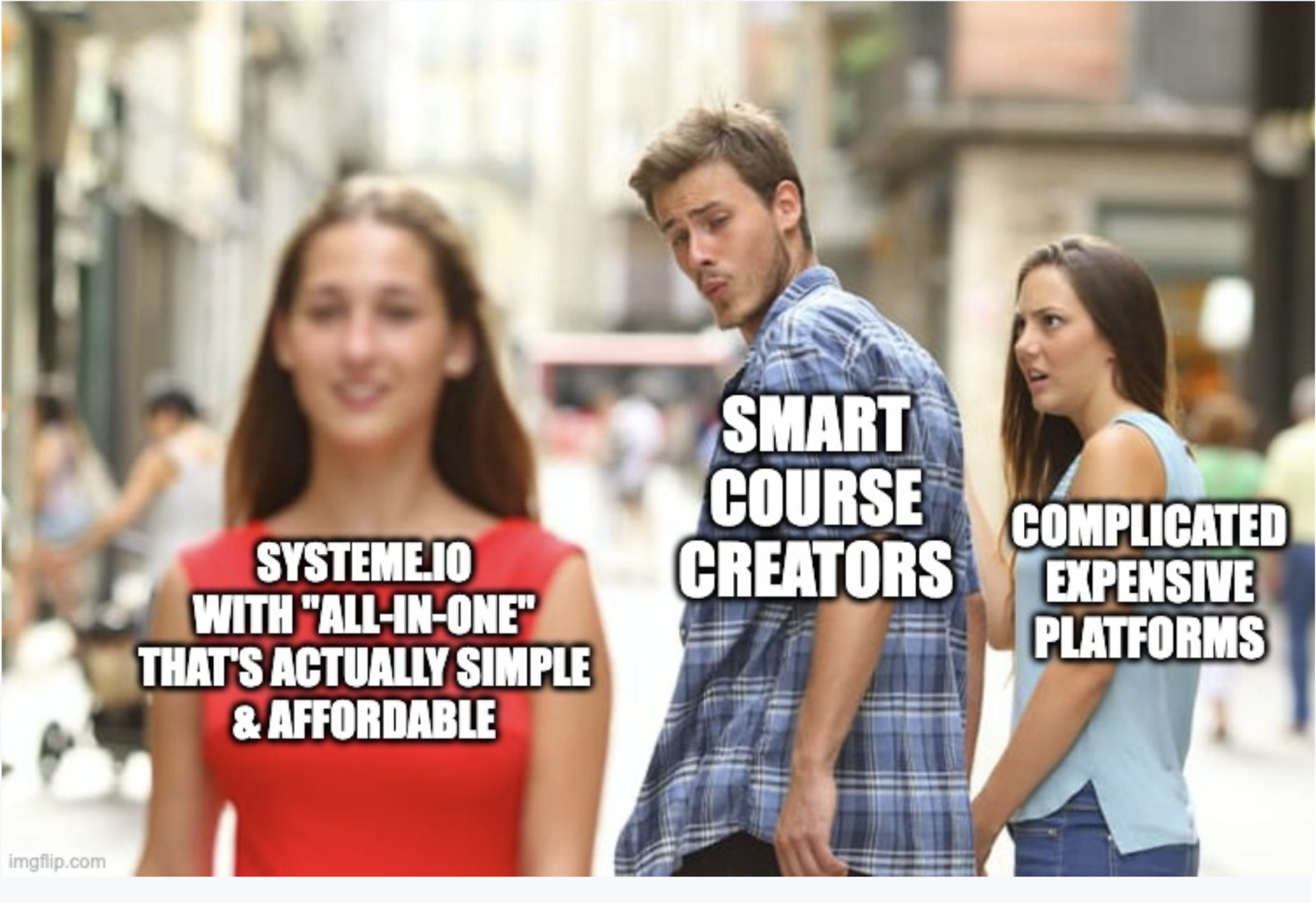
1. One login, one platform, zero confusion. My students never have to wonder "wait, where was that worksheet again?" Everything is in one place.
2. I can see the ENTIRE student journey. From when they join my email list to when they purchase to which lessons they've completed – all in one dashboard.
3. When inspiration strikes, I can implement immediately. Want to add a bonus module? It takes 2 minutes, not 2 days of tech setup.
4. My course feels cohesive and professional. No more sending students to different platforms with different branding and user experiences.
5. I'm saving over $400/month. That's not just good business – that's money I can reinvest in actually helping my students succeed.
The most successful courses aren't the ones with the fanciest features – they're the ones students can easily navigate and complete. And that's exactly what Systeme.io helps you create.
🛠️ Systeme.io Tip of the Week: Course Settings Deep Dive
When you set up a course in Systeme.io, a few overlooked settings can make or break your students’ experience:
Title & Instructor Name → Clear, benefit-driven title + the name you want on certificates.
Domain & URL Path → Keep it short and memorable (e.g. /signature-course).
Theme, Font & Branding → Consistency builds trust.
Photo, Logo & Course Cover → Professional + eye-catching in the student dashboard.
Sales Page Connection → Make sure it links correctly.
Module Titles & Email Reminders → Boost clarity and engagement.
Certificates → Huge motivator for completion—add your logo + signature.
The best part? Set these once and you’re good to go.
Want to see exactly how to configure them? Watch my quick YouTube walkthrough here: [https://youtu.be/Ud9f04CFSZs]
🧠 Tech Simplification Challenge
This week's challenge is to audit your current course setup (or your planned course if you haven't launched yet):
Review your course settings with your STUDENT in mind.
Ask yourself:
Is it immediately clear where students should start?
Can they easily track their progress?
Are all materials accessible in one place?
Does the course look and feel cohesive?
Are you sending too many emails... or not enough?
Remember: The best tech is the tech your students barely notice because it works so seamlessly.
Next week, I'll be pulling back the curtain on my actual course creation process. You'll see that it's embarrassingly simple compared to what most "experts" teach. I don't use fancy equipment, complex systems, or elaborate production schedules – and my courses have still generated over six figures.
What's one course tech headache you'd love to eliminate? Please comment down below and let me know – I read every messages and comments and might feature your question in next week's newsletter!
Want Systeme.io Sundays in your inbox each week?
Just enter your email below and you'll be the first to know about new Systeme.io features that every coach and course creator should be using, plus lots of other goodies!

HEY, I’M RUCHELI…
... founder of Get The Tech Out Of Here, creator of the Design Build Scale tech implementation program and the Simple Systems Society tech support membership... and now I'm your personal guide on the tech journey that comes with launching an online business as a coach or course creator!
Can't wait to help you get the tech out of your business so you can get back to what you do best!